01
Speech-follow scrolling.
The script follows what you actually say rather than a fixed timer. Slow down, repeat a line, pause for a sip of water, and the prompter waits with you. Recognition runs on the device.
 CreatorOn the App Store
A teleprompter that follows your voice.
Record with a prompter that moves at the pace you speak, not at a pace you have to keep up with. Adjust size, spacing and speed while the camera is running. The overlay is a guide on your screen and never appears in the saved take.
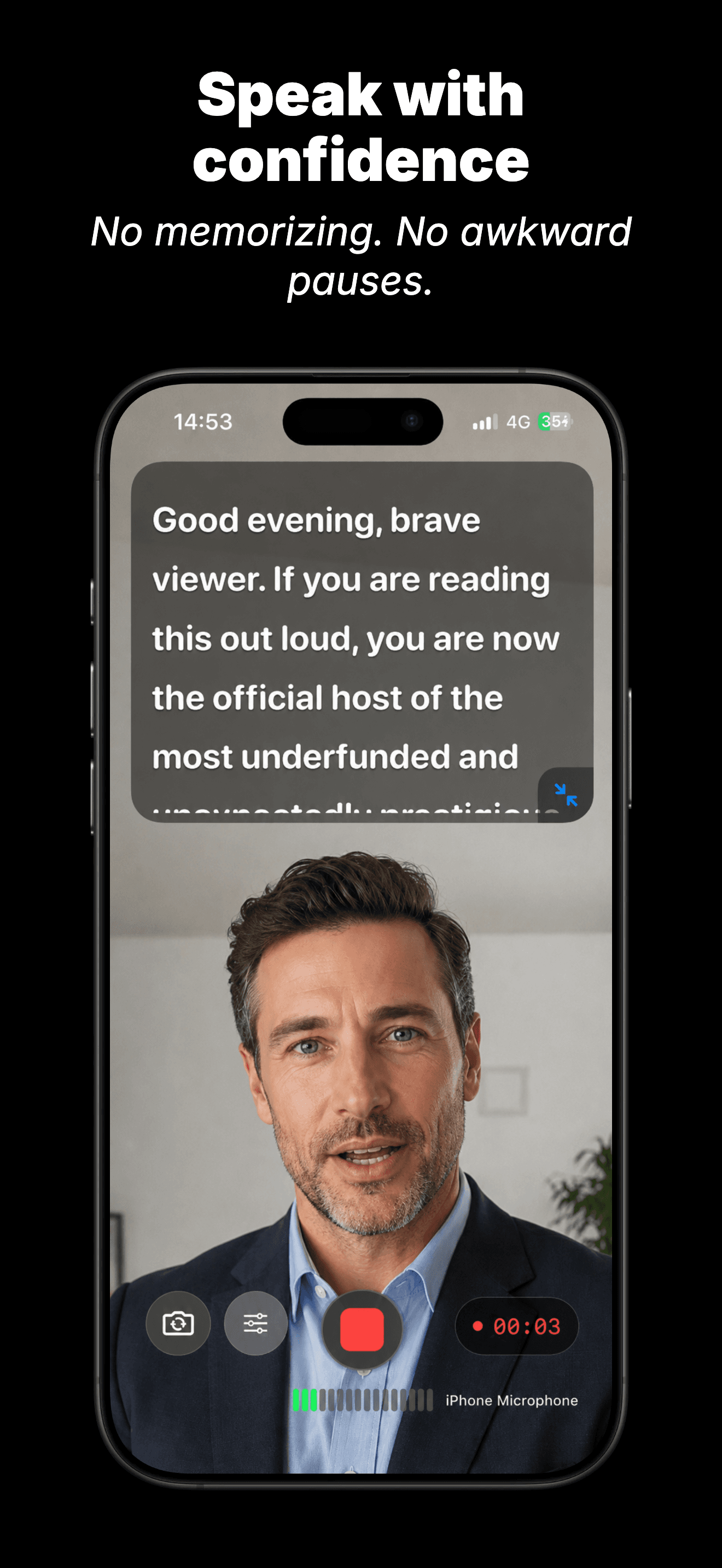
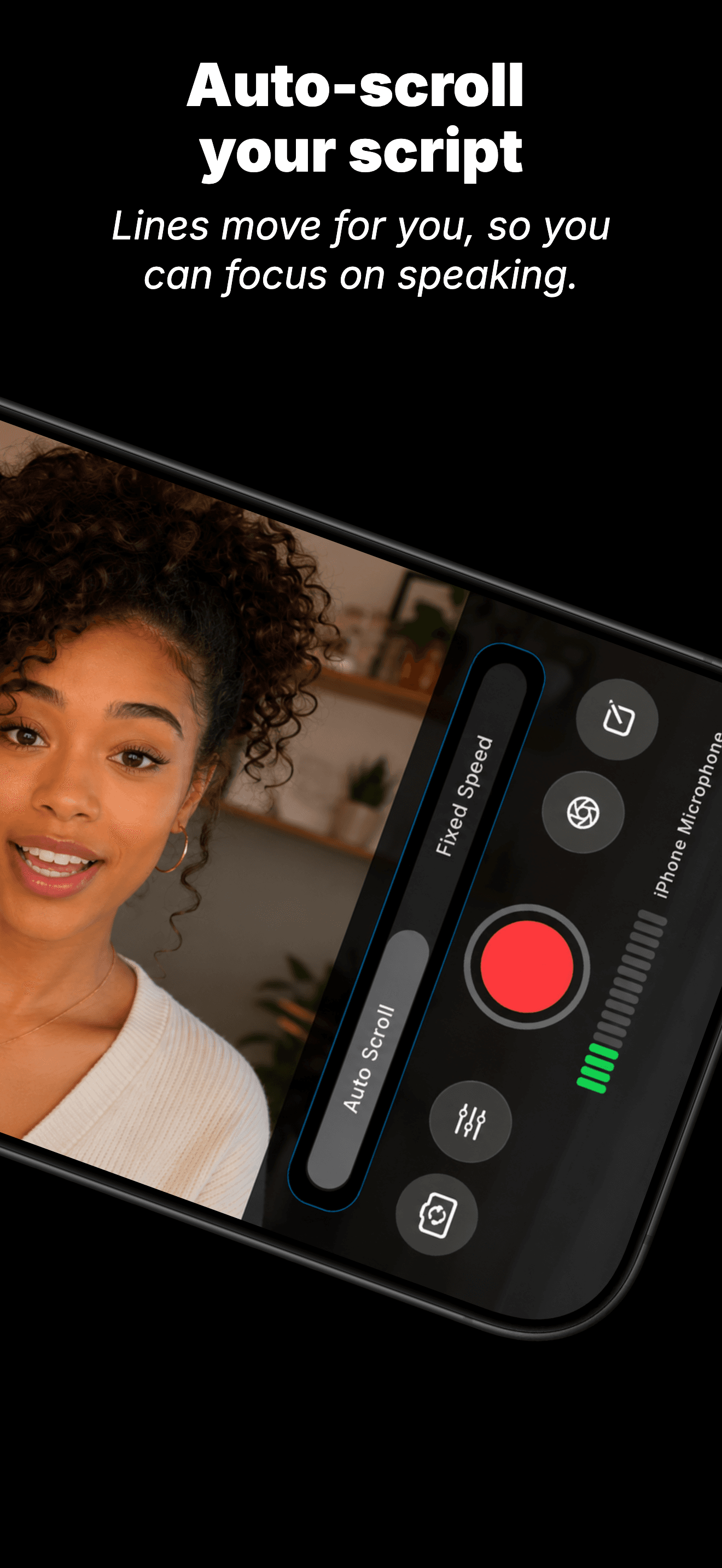


The script follows what you actually say rather than a fixed timer. Slow down, repeat a line, pause for a sip of water, and the prompter waits with you. Recognition runs on the device.
Set a speed that suits the piece, then change line spacing and text size mid-take. Mirror or flip the overlay for a beam-splitter rig.
The prompter is a guide on your screen while you record. The saved video carries no overlay, no watermark and no on-screen text. Only the take.
Trim recordings, tidy up scripts and organise takes in one library. A take only reaches Photos when you decide it is ready to leave the app.
A quick onboarding gets you going. A demo script is ready if you want to try it first.
Write it or paste one in. Cleanup tools strip stray formatting so the prompter reads cleanly.
Camera and microphone access is asked for once. Speech recognition is asked for separately, only if you turn speech-follow on.
Adjust text size, line spacing, scroll speed, and overlay placement while you record.
Stop, review, trim. Save to Photos when you choose, or leave it in the Recordings library.